-

40 Days In Review
This week I finished my 40 days challenge. I learned that having a project that I can work on during my down time makes me happier and I feel more productive at the end of the day. I think about types of things I could code more, than before I started this. I also think…
-

Day 40: HEX to RGB
Today I updated my RGB to HEX converter to convert from HEX to RGB as well. I also made it so the RGB and HEX both update as you type. I did this with on input actions on both the RGB and HEX input. I created a new function for HEX to RGB, and call…
-
Day 39: RGB to HEX Converter
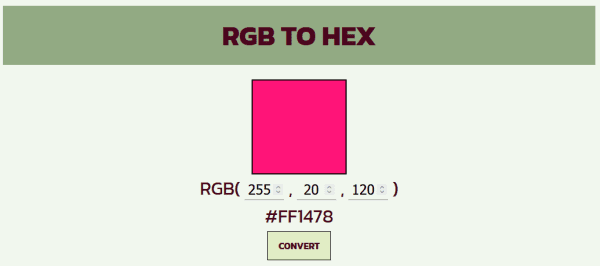
Today I made a RGB to HEX converter. This will convert an RGB value to a HEX value. I used this site for the conversion method: https://www.developintelligence.com/blog/2017/02/rgb-to-hex-understanding-the-major-web-color-codes/. I made the color block automatically update when the input values are changed. When the convert button is pressed, the hex code is updated. This page can be…
-
Day 38: Random Color Scheme Generator (Complete)
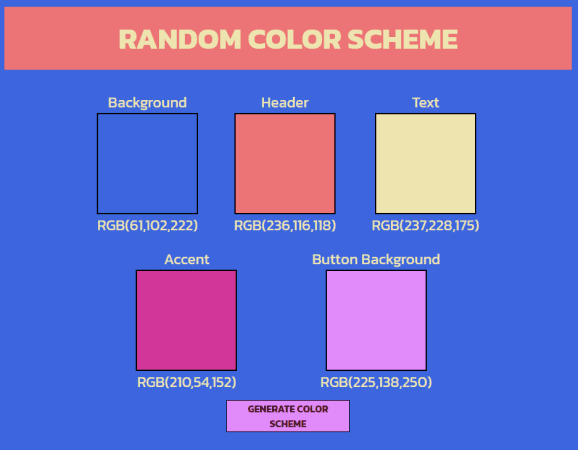
Today I finished my random color scheme generator. The site’s colors now change to reflect the random color generated. This gives the user a practical example of what a site with these colors may look like. I used CSS variables to set the page colors. This limits the amount of code needed to change the…
-
Day 37: Random Color Scheme Generator (In Progress)
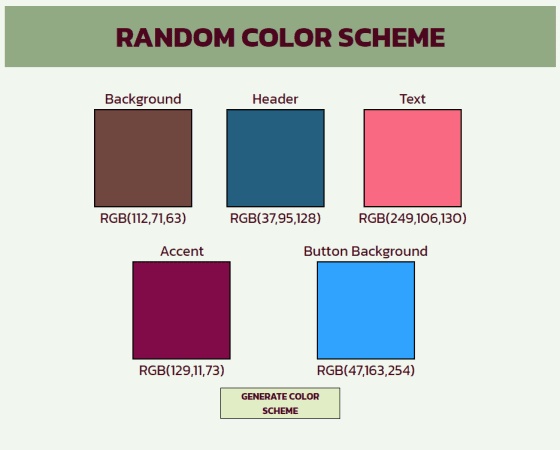
Today I started on a random color scheme generator. I used my random color generator as a base and added more colors. The button now generates 5 colors. I plan to change the color scheme of the site to match the displayed scheme. At the moment the colors are displayed with labels. I plan to…
-
Day 36: Random Color Generator
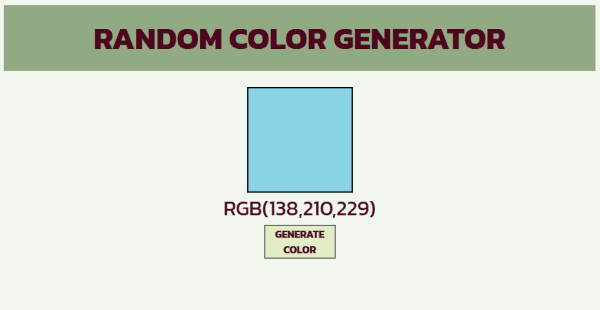
Today I created a page that contains a random color generator. This page uses RGB colors, and displays a random color to the user. The color is randomized when the “generate color” button is pressed. I chose to use RGB colors because it is simple to create a random color by manipulating the values. I…
-
Day 35: Metric to Imperial Converter
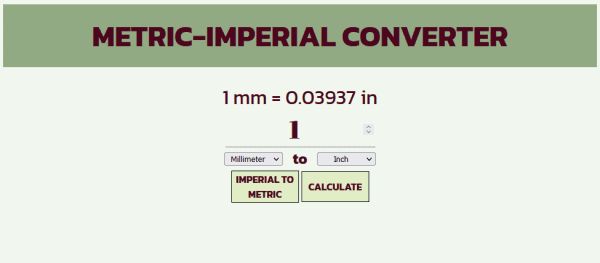
Today I decided to update my Imperial to Metric Converter to allow for Metric to Imperial conversions. I did this by creating a variable that is toggled when the Metric to Imperial (or Imperial to Metric) button is pressed. This variable is used to check whether the math should be imperial to metric or metric…
-
Day 34: Imperial to Metric Converter (Complete)
I finished my Imperial to Metric converter today. It converts inches, feet, yards, and miles to millimeters, centimeters, meters, and kilometers. The result is rounded to 6 decimals, to account for inches to kilometers. I ended up using four functions, one to get the length and units, one to detect the units and run the…
-
Day 33: Imperial to Metric Converter (In Progress)
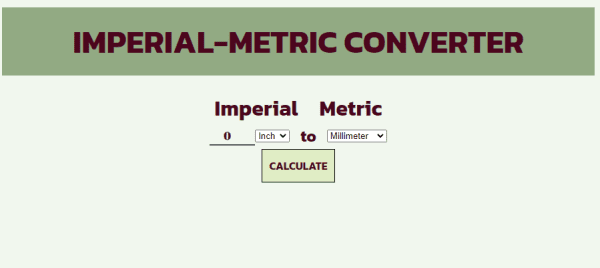
Today I started a converter for Imperial lengths to Metric lengths. The user will be able to insert a length, select an imperial unit and a metric unit, and the page will display the conversion. I focused on the HTML and CSS today, getting the page to look about how I want it. Tomorrow I…
-
Day 32: Water Intake Calculator
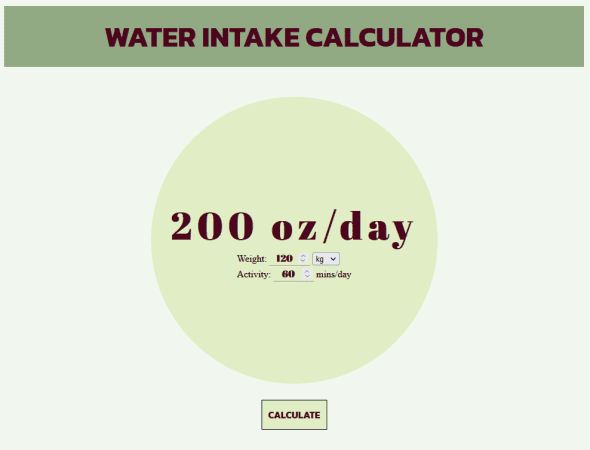
Today I built a water intake calculator. The recommended amount of water per day depends on your body weight and the amount of activity you do. You should drink your weight in pounds multiplied by 2/3rds + 12oz per 30 minutes of activity. This site uses the stopwatch as a base for the CSS. I…