-
Day 20: Solitaire (In Progress)
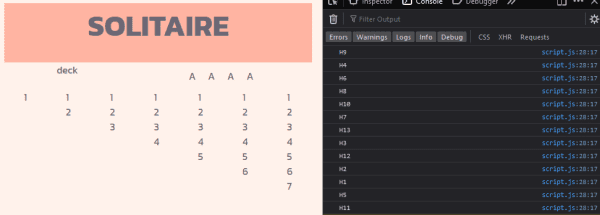
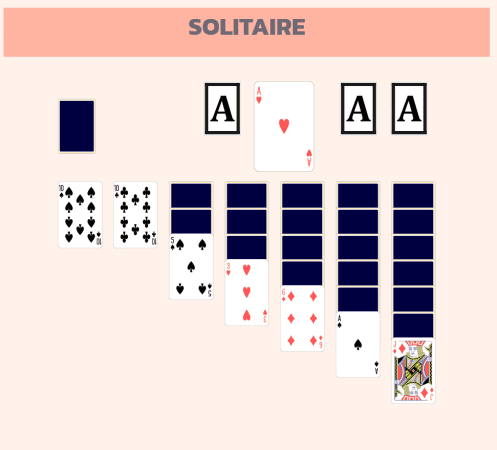
Today I worked on the gameplay for my Solitaire game. I also made it so the cards overlap and show the back when covered. I started coding the gameplay, focusing on moving the cards to the sorted stacks and revealing the cards beneth. I plan to work on the code for pulling from the deck.…
-

Day 19: Solitaire (In Progress)
Today I worked more on my solitaire game. I was having issues with the image resizing weird, so I found SVG playing cards and used those instead. I’ve decided to use arrays for the cards, since I feel using a database would be overcomplicating it. I plan to use CSS to make the cards overlap,…
-
Day 18: Solitaire (In Progress)
Today I worked on my solitaire game again. I found images for the cards, and worked on formatting them. So far I have the hearts formatted. I also coded the cards being shuffled. I’m still working on displaying the shuffled cards. Once I have the card’s “code” displayed, I’m going to display the card image.
-
Day 17: Solitaire (In Progress)
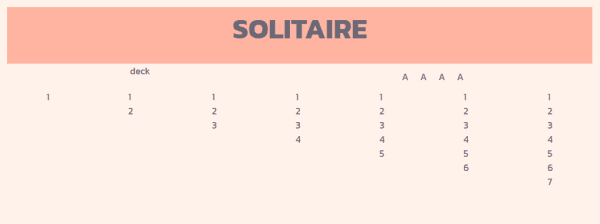
Today I started an online Solitaire game. My goal for today was to set the layout. Tomorrow I plan to source images for the cards and get them organized for use. I plan to use arrays to hold the cards so its easy to shuffle and sort them. This is a really neat project! I’m…
-
Day 16: Word Count Page
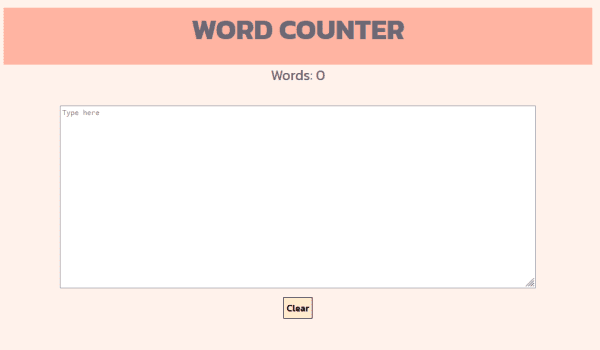
Today, I started the week simple with a word counter. The page displays a running word count at the top of the screen. This project is similar to the word generator that I did a few weeks ago, a user types in a textbox, and something is displayed. My word counter uses HTML’s “oninput” action,…
-
Day 15: Tic-Tac-Toe Two Player
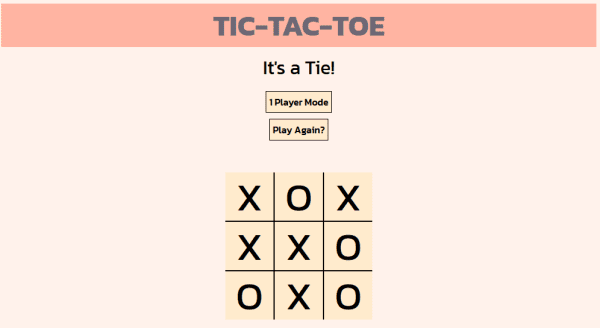
Today I created a two-player mode for my tic-tac-toe game. Instead of starting a new project, I decided to modify the tic-tac-toe game I finished yesterday. I could have created a new project, but I decided modifying the existing one would be more convenient for users. This way they didn’t have to go to two…
-
Day 14: Tic-Tac-Toe (Complete)
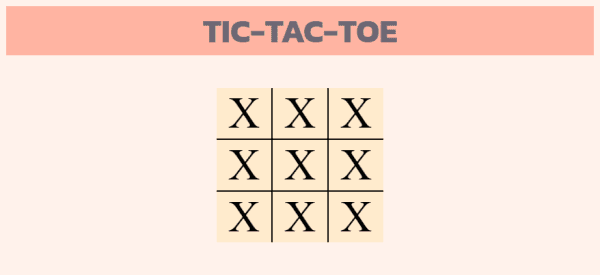
Today I finished my tic-tac-toe game. I used an if statement to check for a winner or a tie, and added a button that restarts the game. I also prevented the user from continuing to click on spaces after the game is over. This has been a really fun project. I might come back to…
-
Day 13: Tic-Tac-Toe (In Progress)
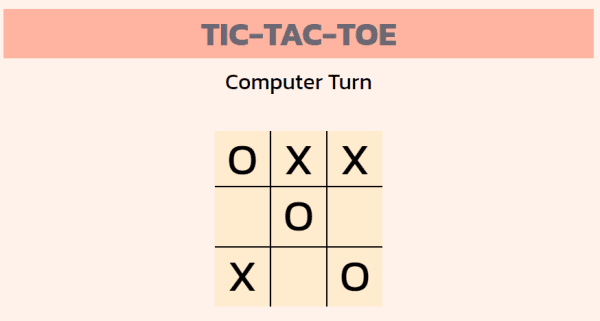
Today I worked more on my Tic-Tac-Toe game. Today I used JavaScript to code the game moves. On the user’s turn, the game checks if the space is free and places the letter. On the computer’s turn a random number is generated, and then the correlating space is checked and the letter is placed. I…
-
Day 12: Tic-Tac-Toe (In Progress)
Today I started on a Tic-Tac-Toe game. Today I focused on creating the HTML and CSS for the page, I didn’t have much time and plan on starting the code for the game tomorrow. I am planning to use links on the game spaces to allow the user to click on where they want to…
-
Day 11: Random Number URL
Today I created a page that generates a random URL. The user inputs a base URL that indexes using numbers, for example, https://www.printables.com/model/, and the page will place a random number on the end. This provides the user with a random link on the site. This site works with any base URL with numbers at…